1Password for Creators and Small Brands
1Password for Creators and Small Brands is a creator tool review for readers weighing password vaults, affiliate logins, two-factor recovery, and team access. The creator-operations decision note explains what to check before buying, who should skip it, and where the purchase can become more work than it first appears.
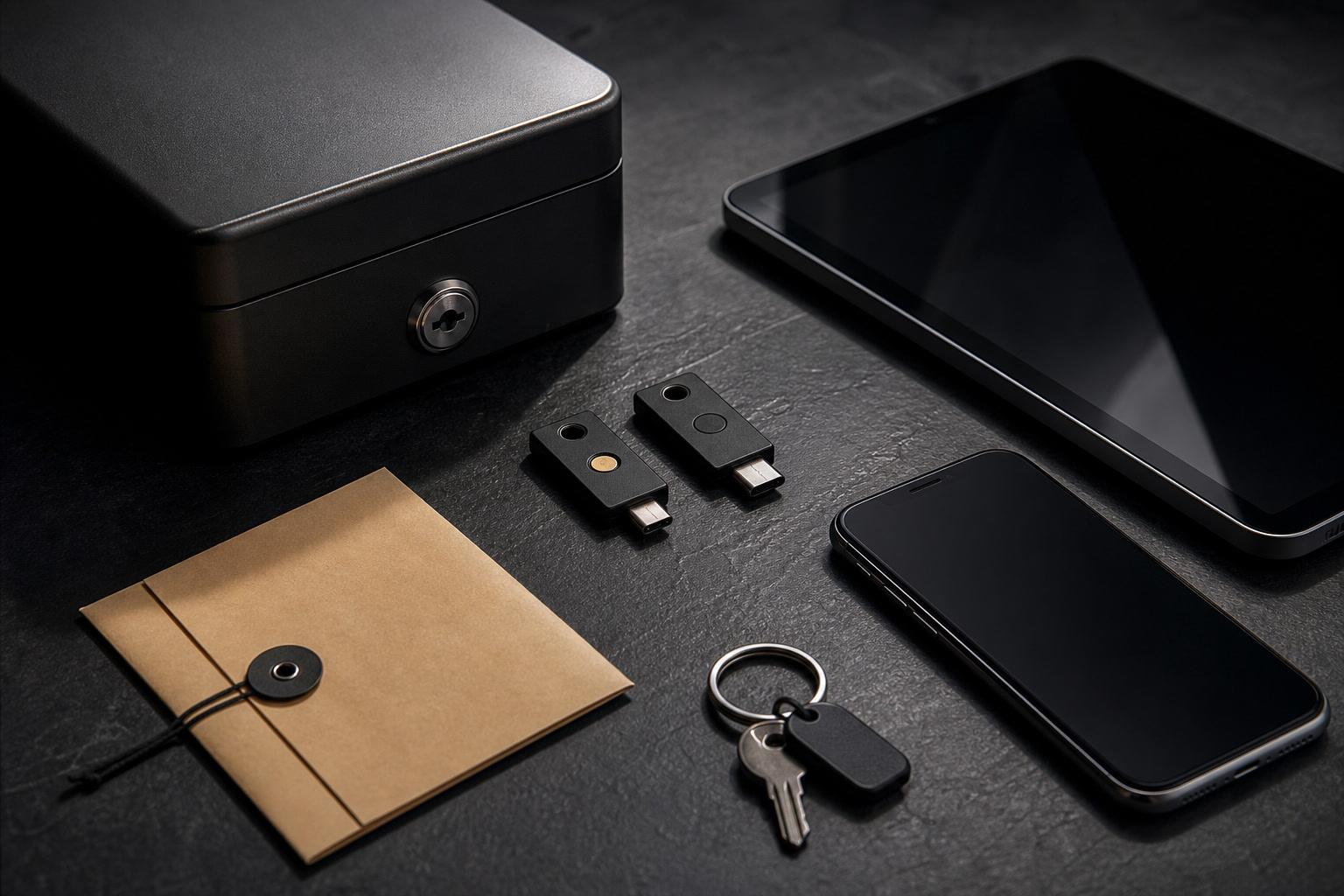
A small style site rarely feels like a security problem until the logins multiply. There is the website host, analytics account, affiliate networks, image tools, email platform, social channels, payment services, domain registrar, and a growing folder of brand portals that all seem harmless until one password is reused or one collaborator leaves with access still intact. 1Password is not a glamorous purchase, but for creators building a serious content business it can be one of the quiet tools that prevents expensive mess. This review looks at 1Password from the perspective of a solo publisher, stylist, editor, or small brand operator: not as corporate security theatre, but as a practical system for storing passwords, sharing access, protecting affiliate accounts, and reducing the daily friction of logging into the tools that keep a site alive.
Why Password Management Matters for Creator Businesses
The creator stack is more fragile than it looks. A FikaLooks-style site may use one platform for hosting, another for analytics, several affiliate networks for product links, a newsletter tool, a banking or payment service, a design account, and social media profiles that act as distribution channels. Losing access to any one of these can interrupt income, delay publishing, or create a privacy problem for readers and partners. The danger is rarely dramatic at first. It begins with a reused password, an old login saved in a browser, or a shared spreadsheet that once felt convenient.
1Password's value is that it turns scattered access into an intentional system. Passwords can be unique, long, and stored in one encrypted place. Logins can be organized by project, domain, client, or collaborator. A solo operator can stop relying on memory and browser autofill, while a small team can avoid texting passwords whenever someone needs to update a product page or check a partner dashboard.
For affiliate publishers, this is not optional housekeeping. Affiliate accounts often hold payment details, tax information, tracking links, and performance data. A compromised account can create more than inconvenience. It can redirect commissions, expose business information, or force a long recovery process with a network that already has strict fraud controls. 1Password does not make a business immune to mistakes, but it raises the baseline immediately.
Vaults, Sharing, and the End of Password Spreadsheets
The most useful 1Password concept for small brands is the vault. A vault is a container for related logins, secure notes, cards, documents, or recovery codes. Instead of mixing personal banking, website hosting, brand portals, and assistant access in one long list, a creator can separate them cleanly. One vault can hold site operations, another can hold affiliate networks, another can be shared temporarily with a contractor. That structure matters as soon as work stops being purely solo.
Sharing is where the tool becomes more than a private password locker. If an assistant needs access to a scheduling tool or a photo library, they do not need the owner's master password or a copied login sitting in chat history. Access can be granted to the specific item or vault, then removed later. This is especially useful for content businesses that occasionally hire editors, image researchers, web help, or virtual assistants but do not have a formal IT process.
There is still discipline involved. A tool cannot fix careless permission habits. The owner needs to review who has access, remove old collaborators, and keep recovery information current. But the review becomes possible because the accounts are visible in one place. Without that visibility, a creator is often only guessing who can still log in.
Passkeys, Two-Factor Codes, and Recovery Details
Modern account security is no longer just about passwords. Many platforms now push two-factor authentication, passkeys, recovery codes, device approvals, and backup email rules. These additions are useful, but they can create a second layer of chaos if they are stored randomly. 1Password can keep many of those pieces close to the login they belong to, which makes daily access less brittle.
For a creator managing affiliate dashboards, this is particularly important. CJ, Awin, impact.com, PartnerStack, hosting accounts, domain registrars, and payment services may all use different security flows. If recovery codes are lost or stored in screenshots, account recovery becomes slow and stressful. Keeping recovery details in a secure, organized item is less exciting than publishing a new guide, but it is the sort of habit that prevents a bad week from becoming a business interruption.
The convenience should not be mistaken for permission to become careless. A password manager deserves a strong master password, secure device practices, and sensible account recovery. The tool centralizes access, which means the owner must treat it as serious infrastructure. That trade-off is acceptable when the alternative is weak reused passwords and forgotten recovery notes.
Where 1Password Helps a Small Editorial Team
A small editorial operation often grows unevenly. One person starts the site, then brings in a writer, an editor, someone to upload posts, or a technical helper for server work. At that moment, password sharing becomes a workflow problem. 1Password allows access to be shaped around roles rather than emergencies. The person uploading articles may need CMS access, but not payment settings. The person checking affiliate links may need network dashboards, but not domain registrar credentials.
This separation helps protect the business without slowing every task. It also makes offboarding less awkward. When a contractor leaves, access can be removed from the vault instead of hunting through old messages and trying to remember which passwords were shared. The practical benefit is not only security; it is calm. A creator can collaborate without feeling that every handoff exposes the whole operation.
For purely solo creators, the same structure is still useful. Separating personal life from site operations prevents the password manager from becoming another junk drawer. A dedicated vault for each website or project also makes future selling, partnership, or migration work easier because the operational map already exists.
Price, Alternatives, and When to Wait
1Password is worth considering when a creator has more than a handful of important accounts, uses affiliate networks, shares access with collaborators, or stores recovery codes that would be painful to lose. The cost is easier to justify when the site has real revenue potential or when a compromised login would threaten income. For a hobby blog with two logins and no business accounts, a simpler free password manager may be enough for now.
The main alternatives are built-in browser managers, Apple Passwords, Google Password Manager, Bitwarden, Dashlane, and other dedicated password tools. Browser managers can be convenient, but they are usually less suited to project-based sharing and operational structure. Bitwarden can be attractive for price-conscious users. 1Password's strength is polish, vault organization, sharing, family/team usability, and the way it feels approachable to non-technical collaborators.
The buy-or-wait decision should be grounded in risk, not software enthusiasm. If you are applying to networks, storing payment details, using multiple domains, and building an editorial asset you care about, a password manager is no longer a luxury. If your business is still only an idea, set up secure basics first and upgrade when the account list starts to sprawl.
Pre-purchase checklist
- Choose 1Password if your creator business already has multiple affiliate, hosting, analytics, social, and payment logins that would be painful to recover manually.
- Create separate vaults for each website or project so personal accounts, business operations, and collaborator access do not blur together.
- Store recovery codes, two-factor notes, and important account details beside the relevant login instead of leaving them in screenshots or email threads.
- Use sharing for contractors or assistants only at the vault or item level they genuinely need, then remove access when the work ends.
- Wait if your site has no meaningful business accounts yet and a simpler password manager already covers your current risk.
Who should skip this
Creators who only manage one or two non-commercial accounts may not need a paid password manager immediately. 1Password is most useful when the work has become operational: multiple tools, affiliate dashboards, payment details, contractors, recovery codes, and enough revenue potential that account loss would hurt. Teams that need extremely specialized enterprise security administration may also need a broader IT stack beyond a creator-friendly password manager.
Affiliate transparency
FikaLooks may earn a commission if you visit 1Password through our partner link and later become a customer. We treat password management as an operations purchase: worthwhile when it protects real accounts, saves repeated friction, and helps a small brand share access without losing control.
Visit 1Password through our partner linkFAQ
Is 1Password overkill for a solo creator?
Not if the creator is running a real business. A solo publisher may still manage domain, hosting, analytics, affiliate, email, social, and payment accounts. Once those logins affect revenue or reputation, a serious password manager becomes practical rather than excessive.
Can I use 1Password with contractors or assistants?
Yes. The strongest use case is controlled sharing. You can place relevant logins in a vault or share specific items, then remove access when the work ends. That is much cleaner than sending passwords through chat or email.
Does 1Password replace two-factor authentication?
No. It can help store and manage authentication details, but strong account security still depends on careful device management, a strong master password, and using two-factor authentication where appropriate.
What is the biggest reason to choose 1Password over a browser password manager?
Organization and sharing. Browser password managers are convenient for personal use, but 1Password is stronger when you need project vaults, secure notes, recovery details, shared access, and a cleaner separation between personal and business accounts.