Bitdefender for Creator Device and Account Safety
Bitdefender for Creator Device and Account Safety is a security tool review for readers weighing device security, affiliate dashboards, phishing risk, remote work, and account recovery. The creator-operations decision note explains what to check before buying, who should skip it, and where the purchase can become more work than it first appears.
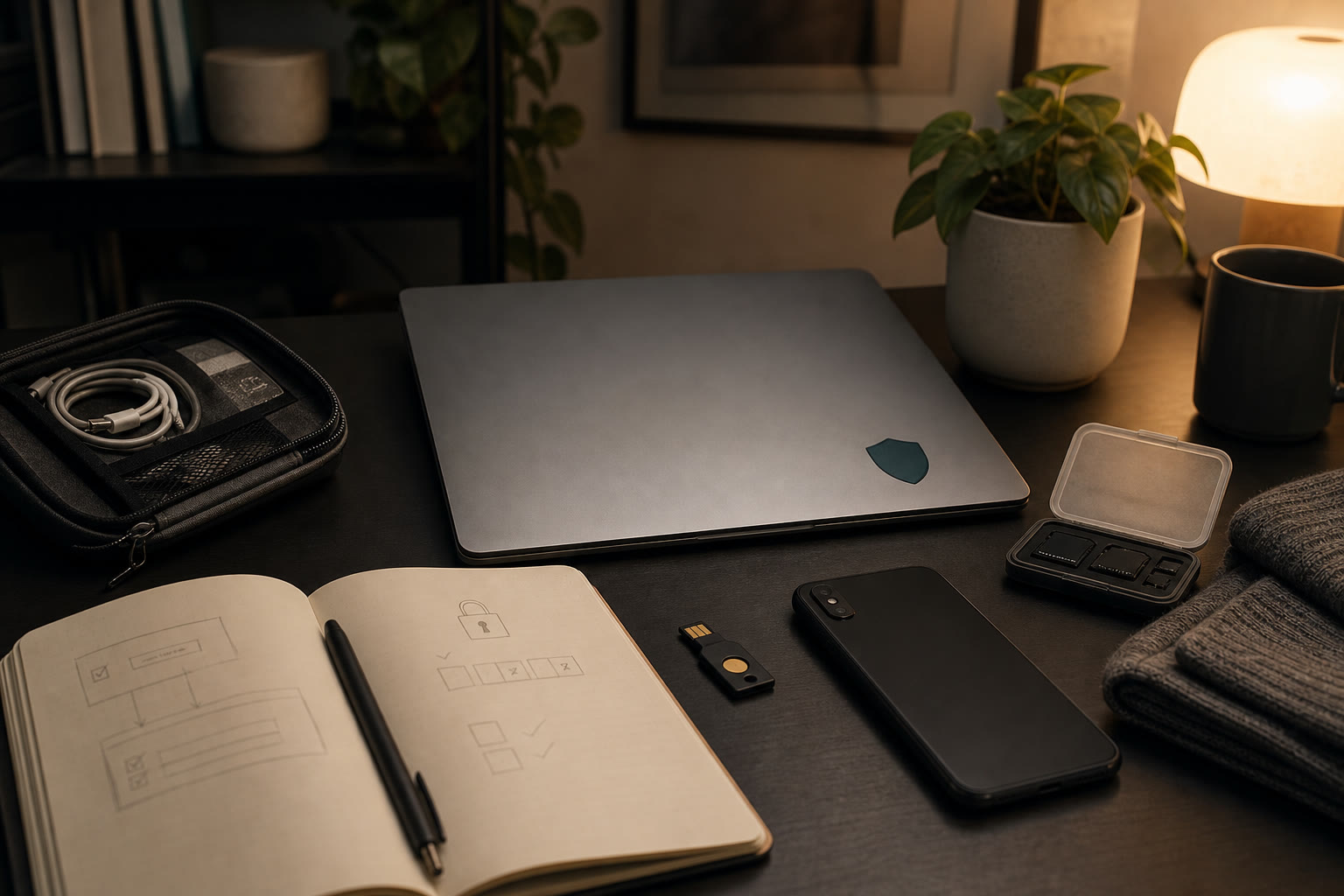
A creator business can look soft from the outside: photos, links, newsletters, shopping notes, and product edits. Behind it is a set of accounts that can cause real damage if they are compromised. There is a domain registrar, hosting account, affiliate dashboards, payment services, social profiles, email platform, cloud storage, image tools, and devices that travel between home, coffee shops, studios, and airports. Bitdefender is a long-running cybersecurity brand with consumer and business security products covering device protection, malware defense, phishing risk, VPN and identity-related features depending on plan. For FikaLooks, the useful angle is not fear. It is operational hygiene. A creator who earns from trust needs her laptop, phone, browser, and accounts to be less fragile, especially when affiliate revenue, reader email data, and sponsor work depend on the same daily devices.
Security Is Part Of The Publishing Stack
Security software is rarely the tool a creator wants to think about. It does not make a page prettier, a photo sharper, or a newsletter more charming. But it protects the conditions that let the work continue. If a laptop is infected, a browser session is hijacked, or a phishing email captures an affiliate login, the problem quickly moves from technical annoyance to business interruption.
Bitdefender fits into the creator stack as a device and threat-protection layer. It should sit beside, not replace, a password manager, two-factor authentication, backups, and clear account ownership. The mistake is to buy one security product and assume the whole operation is now safe. The better approach is layered: protect devices, use unique passwords, store recovery codes, keep software updated, and restrict who can access revenue accounts.
For a FikaLooks-type operator, the most important accounts are usually not obvious to outsiders. Affiliate networks may contain payment details and tracking links. Email tools may hold subscriber data. Social accounts may drive traffic. Domain access controls whether the site can stay online. Those deserve more care than a casual browser-saved password and a hope that nothing goes wrong.
Everyday Threats: Downloads, Phishing, And Public Work
Creator work involves more downloads than people admit. Brand assets, media kits, invoices, image references, PDFs, contracts, product sheets, and compressed folders arrive from many sources. Most are harmless. Some are not. Antivirus and malware protection are useful because the creator does not always have time to inspect every file manually before a deadline.
Phishing is the more realistic daily risk. Affiliate networks, shipping providers, ad platforms, social media accounts, and payment services all generate legitimate emails, which gives attackers a familiar disguise. A fake account warning or commission update can look plausible when the creator is moving quickly. Security tools can help flag suspicious links and pages, but habits still matter: do not log in from email links when money or account access is involved. Open the known dashboard directly.
Public and travel work adds another layer. Coffee-shop Wi-Fi, hotel networks, shared studio spaces, borrowed chargers, and unlocked screens are mundane risks. A VPN feature may help with network privacy depending on the plan, but it does not fix careless account behavior. The safer routine is to keep devices updated, lock screens quickly, avoid sensitive admin work on unfamiliar networks when possible, and treat account recovery information as business infrastructure.
What To Protect First
Start with the devices that touch money and publishing access. That usually means the main laptop, phone, and any tablet used for email, affiliate dashboards, banking, social scheduling, or site administration. A secondary device used only for reading is less urgent than the laptop that holds saved sessions for the domain registrar and affiliate networks.
Then map the accounts that would hurt most if lost. Domain registrar, hosting, email platform, affiliate networks, payment processor, newsletter, cloud storage, social accounts, and design tools should be in the first security review. Bitdefender can reduce device-level risk, but account-level protection still needs unique passwords, two-factor authentication, backup codes, and a way to recover access if the main phone is lost.
Do not forget collaborators. A freelance editor, virtual assistant, image helper, or developer may need temporary access to tools. The owner should not share her personal device login or master inbox. Use proper invited accounts where possible, remove access after the project, and keep a written record of who had access to which tool. Security is partly software and partly cleanup.
Performance, Noise, And The Creator Workflow
The best security setup is the one a creator can leave on without resenting it. If scans slow down image editing, video exports, or large photo transfers too much, the user will start disabling protections at exactly the wrong time. Before committing long term, test the product during normal work: browser research, CMS editing, image exports, cloud sync, and newsletter drafting.
Notification quality matters as much as detection claims. Constant alerts train people to ignore alerts. A useful setup should be visible when it needs attention and quiet when ordinary work is safe. Review default settings rather than accepting every prompt. Pay attention to browser extensions, VPN behavior, scheduled scans, and how the tool handles trusted creative apps.
Plan choice should follow real risk. A solo creator who mainly needs device protection may not need the most expansive bundle. A creator handling payments, travel, family devices, and identity monitoring may value a broader plan. The right plan is the one that protects the work without becoming another subscription chosen out of anxiety.
What Bitdefender Does Not Replace
Bitdefender should not be used as an excuse to keep weak account habits. It does not replace a password manager. It does not make reused passwords acceptable. It does not remove the need for two-factor authentication on affiliate networks, email, social platforms, banking, domains, and hosting. It is one part of the stack.
It also does not replace backups. If a file is corrupted, deleted, locked, or lost with a stolen laptop, the creator needs recoverable copies of photos, article drafts, invoices, contracts, and site assets. Keep backups separate from the main device and make sure they can be restored. A backup that has never been tested is only a hope.
The buy-or-wait decision is straightforward. If a creator uses devices for revenue accounts, reader data, paid campaigns, or travel work, a reputable security product is worth considering. If the current work is casual and all sensitive activity happens on a well-managed family device, the first step may be updates, password cleanup, and backups before paying for a broader suite.
Pre-purchase checklist
- Protect the main laptop and phone first, especially if they access affiliate networks, payment tools, newsletter accounts, hosting, or domain settings.
- Use Bitdefender alongside a password manager, unique passwords, two-factor authentication, and stored backup codes rather than treating it as a complete security plan.
- Test performance during real creator work: image exports, CMS editing, cloud sync, newsletter drafting, and browser research.
- Open sensitive dashboards directly instead of logging in from email links, even when the message appears to mention commissions, account warnings, or invoices.
- Keep a quarterly access review for collaborators, old devices, browser extensions, recovery emails, and accounts connected to revenue.
Who should skip this
Skip a paid Bitdefender plan for now if your creator work is casual, you do not handle revenue accounts or subscriber data, and your immediate problems are outdated passwords, missing two-factor authentication, and no backups. Fix those basics first. The product becomes easier to justify once your devices regularly touch publishing access, money, reader data, travel networks, or collaborator files.
Affiliate transparency
FikaLooks may earn a commission if you visit Bitdefender through our partner link and later become a customer. We treat Bitdefender as a practical security layer for creators and small brands, not as a replacement for passwords, two-factor authentication, backups, and careful access habits.
Visit Bitdefender through our partner linkFAQ
Is Bitdefender relevant for a fashion, beauty, or lifestyle creator?
Yes, if the creator uses devices to access revenue accounts, social profiles, email lists, payment tools, sponsor files, or affiliate dashboards. The niche may be lifestyle, but the account risk is still business risk.
Does antivirus replace a password manager?
No. Antivirus and device security reduce certain threats, but they do not create unique passwords, manage shared access, or store recovery codes. Use both if the business depends on online accounts.
What is the first thing to secure?
Secure the main email account, domain registrar, hosting, affiliate networks, payment processor, and social accounts. Then protect the laptop and phone used to access them, and make sure recovery codes are stored outside the device.
Should a creator pay for the biggest security bundle?
Not automatically. Match the plan to the risk. Device protection may be enough for some solo operators, while creators who travel, manage family devices, or want VPN and identity-related features may consider broader plans.